MenooshRestaurant menu with a QR code
Build a menu
Scan at the table — no app needed
DIGITAL MENU + QR

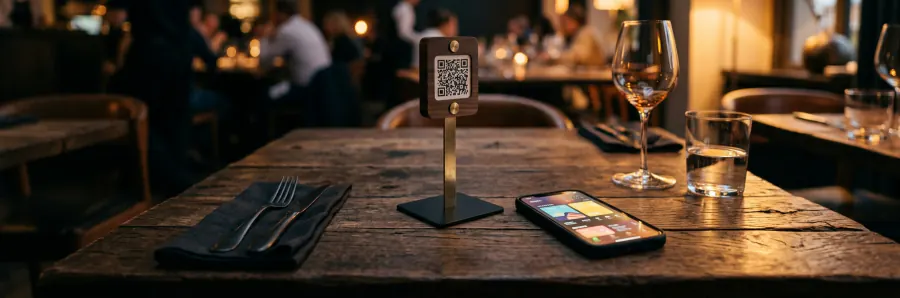
Put your restaurant's menu on the table with one QR code

Build the menu in minutes, print the QR code, and let guests browse and order right at the table. No app, no reprinting the menu.
No card required · Change prices any time · 14 languages
3active restaurants
3menus created
6orders placed
Urban Bite
Urban Bite · Fast food
All Burgers Pizza Drinks
🍔 Double CheeseburgerAED 45 +
🍕 Pepperoni PizzaAED 38 +
🍟 Crispy FriesAED 18 +
3 items · Cart AED 101
A QR code of your ownStick it on the table, the window or the receipt
Pick your brand colour Try it right here — the customer menu is built in the same colour
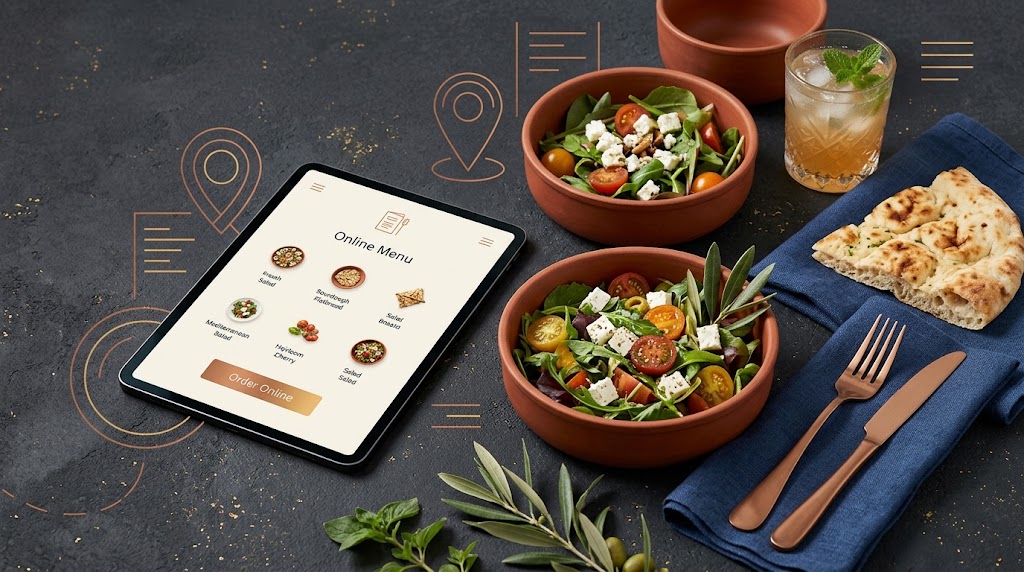
A digital menu open on a tablet next to dishes served at a restaurant table
FEATURES

Everything a digital menu needs

Built for small and large places alike, from a single cafe to a group with several separate menus.

Q

QR code on the table

The guest scans and the menu opens. No app to install, no sign-up. Each table can have its own code.
3

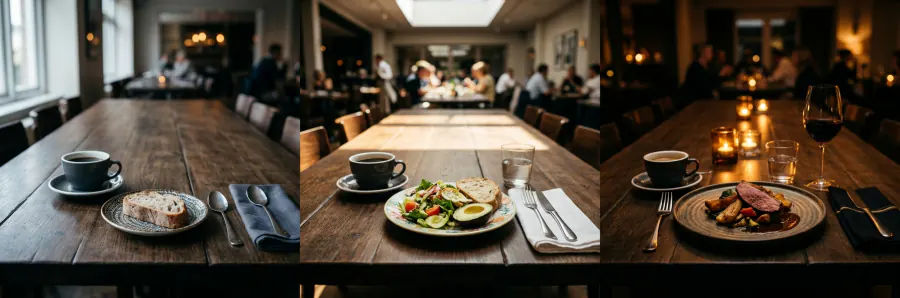
Several menus, each with its own hours

Build breakfast, lunch and dinner separately and set the serving hours of each.
$

AED, USD, Toman and Rial

Each menu has its own currency, and large numbers stay readable.
Take orders

Cart, delivery fee, pickup discount and minimum order — all configurable.
14

14 languages

Persian, English, Arabic and 11 more. Both right-to-left and left-to-right are supported.
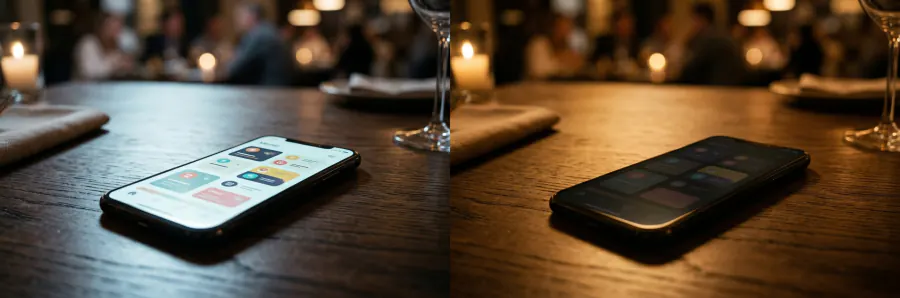
Light and dark

Pick your brand colour; the menu adapts itself to light and dark mode.
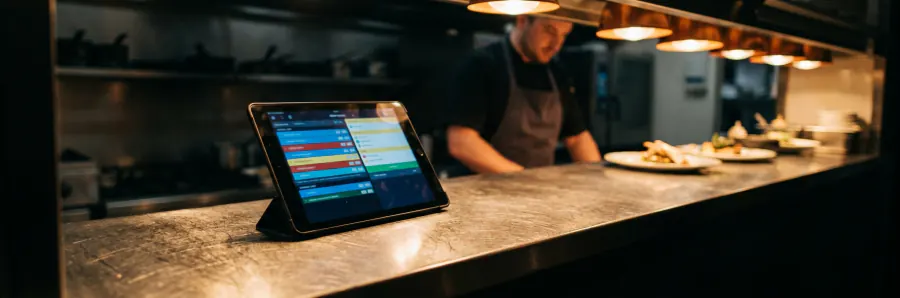
Restaurant panel

A new order arrives with a chime; confirm, reject with a reason, hand to the courier and mark delivered — all from one page. The kitchen queue has its own view.
🪑

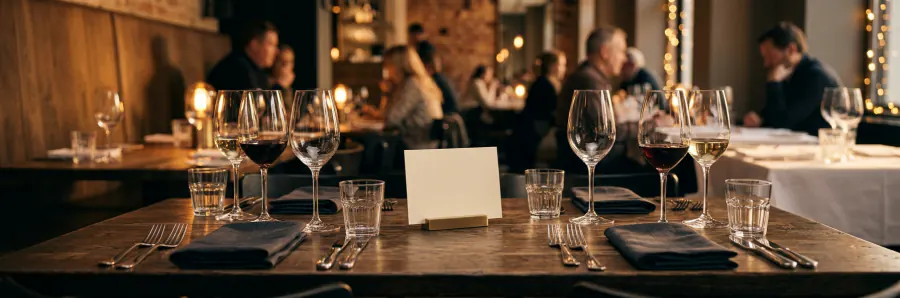
Table booking

You set the booking hours and the largest party you accept. Every request is confirmed or declined from the same panel.
🖨

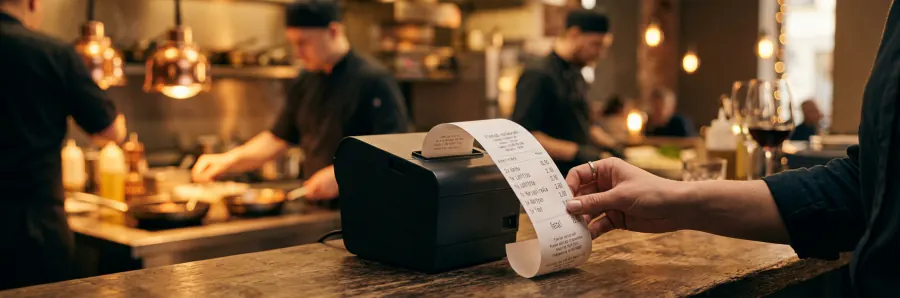
Print to a thermal printer

Receipts print straight from the panel to a thermal printer — Persian and Arabic come out correctly shaped, because the slip is sent as an image.
👥

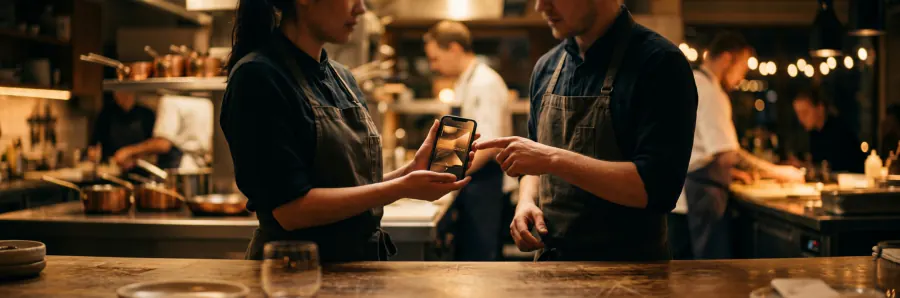
Staff and managers

Add your cashier or head chef by phone number and they sign in to the panel on their own phone. Only the owner can add or remove them.
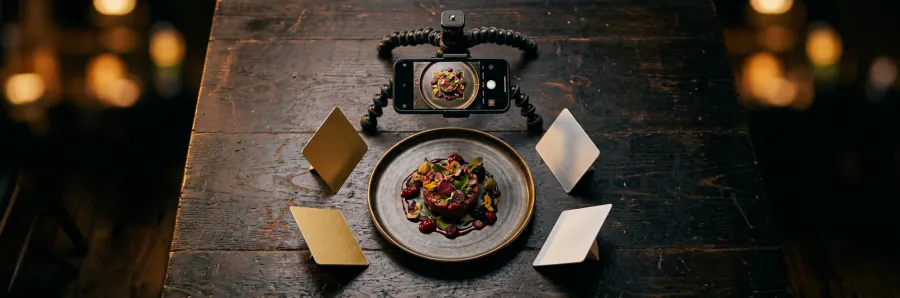
📷

Photos and video per item

Every item takes up to five photos and one video, and each menu can have its own cover image.
HOW IT WORKS

From sign-up to a menu on the table, three steps

01

Create the restaurant listing

Name, business category, phone and WhatsApp. Logo and cover are optional.
02

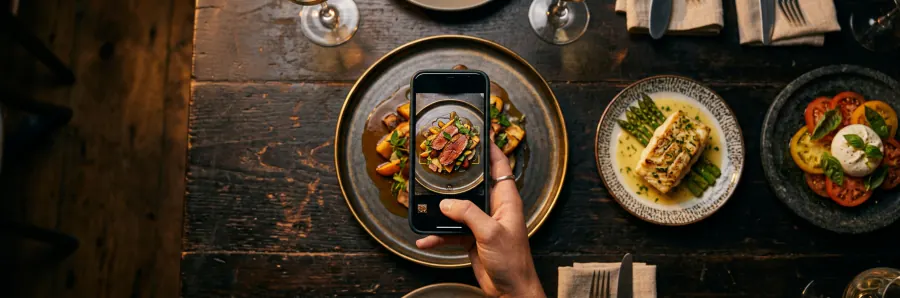
Add the items

Name, price and category are enough. Photos and descriptions can come later.
03

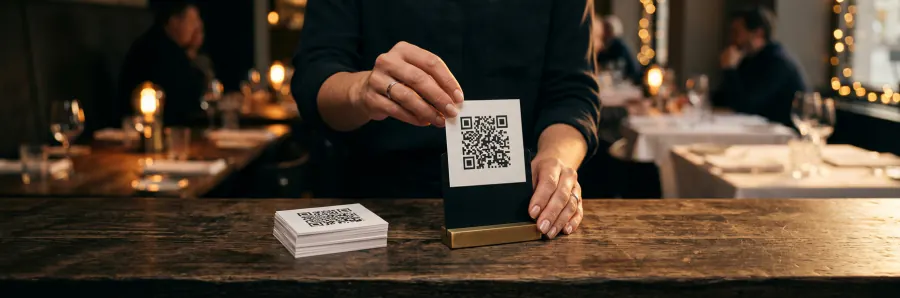
Print the QR code

Take the code and put it on the table. Any menu change reaches guests instantly.

PRICING

Start free

Creating a listing and a menu costs nothing. For larger groups and special requests, talk to us.

Start

Free

0forever
  • Several menus, each with its own serving hours and cover
  • Unlimited items, up to 5 photos and one video each
  • Item names and descriptions in Persian, English and Arabic
  • A separate currency for each menu
  • Your own QR code, plus a separate code for every table
  • Cart, delivery fee, pickup discount and minimum order
  • Table booking with opening hours and party-size limit
  • Restaurant panel: accept, reject, hand to courier, kitchen queue
  • Print receipts straight to a thermal printer
  • Add staff by phone number (cashier, head chef)
  • Brand colour, light and dark theme, 14 languages
Get started
Groups

Custom

based on your needs
  • Everything in the Free plan, plus:
  • Several branches under one brand
  • Your own domain
  • POS integration
  • Direct support
  • Together with everything in the Free plan
  • Several menus, each with its own serving hours and cover
  • Unlimited items, up to 5 photos and one video each
  • Item names and descriptions in Persian, English and Arabic
  • A separate currency for each menu
  • Your own QR code, plus a separate code for every table
  • Cart, delivery fee, pickup discount and minimum order
  • Table booking with opening hours and party-size limit
  • Restaurant panel: accept, reject, hand to courier, kitchen queue
  • Print receipts straight to a thermal printer
  • Add staff by phone number (cashier, head chef)
  • Brand colour, light and dark theme, 14 languages
Get in touch
FAQ

Frequently asked questions

Does the guest have to install anything?

No. They scan the QR code with the phone camera and the menu opens in the browser.

Can I change prices later?

Yes. Any change in the panel shows up in the customer menu instantly, and the QR code stays the same.

I don't have photos of every dish.

That's fine. An item without a photo shows the first letter of its name in your brand colour and still looks tidy.

Where do the orders arrive?

In the restaurant panel. Every new order goes to the top of the queue with a short chime, and you confirm, reject or mark it delivered. Each order gets an invoice number and a tracking code, and every status change notifies the customer.

My menu is in Persian — what does a foreign guest see?

You can add an English and Arabic name for each item. The interface itself is available in 14 languages.

Put your menu online today

Building the menu takes a few minutes and costs nothing to start.